Convert PDF and Images
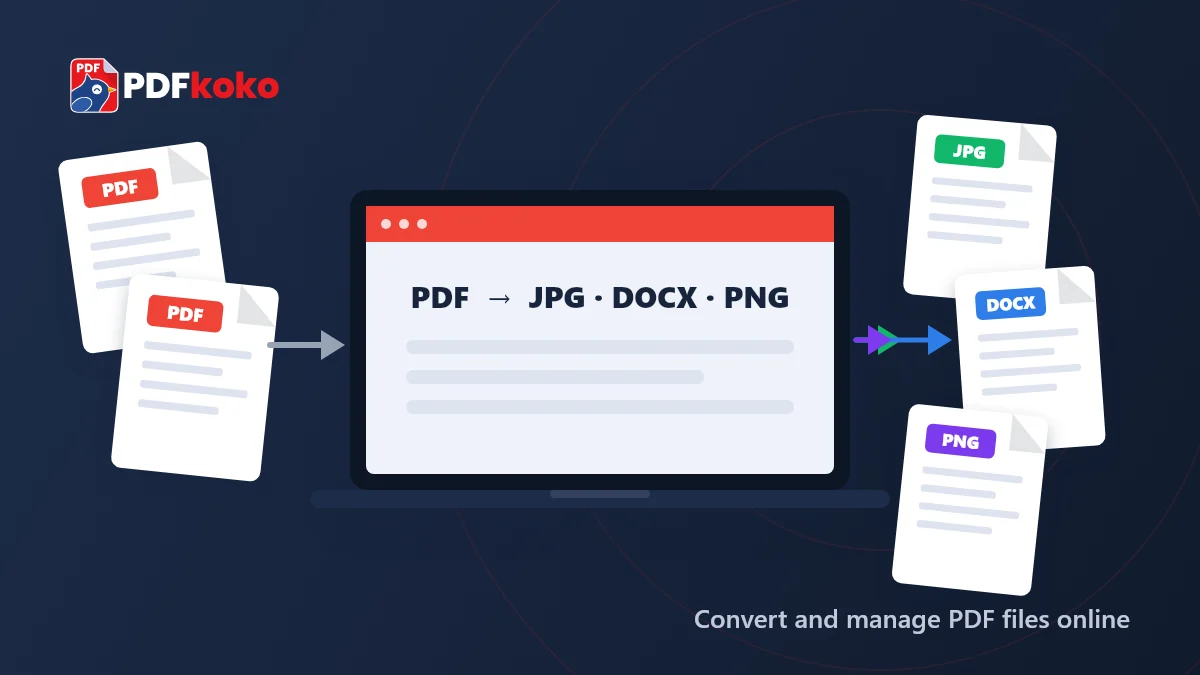
Use our free PDF converter online to turn PDF pages into JPG images for presentations and sharing, or combine JPG, PNG and WebP pictures into a single PDF document.
Convert, compress, merge and manage your PDF files with PDFkoko's free online PDF converter. Easily convert PDF to JPG, JPG to PDF, PDF to Word and Word to PDF. Resize and convert images with simple online tools.
Merge PDF Files
Put several PDFs into one document, in the order you choose.
Merge JPG Images
Place several pictures on one image, stacked, side by side or in a grid.
Compress PDF Files
Make a PDF smaller so it is easier to email or upload.
Compress JPG Images
Make JPG photos smaller with adjustable quality, so they upload and load faster.
Discover easy-to-use PDF tools to convert, compress, merge, split and manage your PDF documents online.
PDF to Word
Convert text-based PDF files into editable Word (.docx) documents that you can change and reuse.
Word to PDF
Turn Word (.docx) documents into PDF files that are easy to share, print and keep.
PDF to JPG
Convert every page of a PDF into a JPG image, or save the pages as PNG images instead.
JPG to PDF
Turn JPG, PNG or WebP images into one PDF. Choose the page size, orientation and margins.
Compress PDF
Reduce the file size of your PDF so it is easier to email, upload or store.
Merge PDF
Combine several PDF files into one document. Drag the files into the order you want first.
Split PDF
Split a PDF into single pages, equal groups or custom page ranges, or pull out the pages you need.
Rotate PDF
Turn all pages or only the pages you select, then save the PDF the right way up.
Organize PDF
Reorder, rotate, duplicate and delete pages, then save the PDF in the order you want.
Delete PDF Pages
Remove blank or unwanted pages from a PDF and download a clean copy of the rest.
Extract PDF Pages
Pick the pages you need from a PDF and save them as a new, separate PDF file.
Protect PDF
Add a password to your PDF with AES-256 encryption, so it can only be opened with that password.
Unlock PDF
Remove the password from a PDF you can open, so you do not have to type it every time.
Watermark PDF
Stamp text such as CONFIDENTIAL or DRAFT across the pages of your PDF.
Add Page Numbers
Add page numbers to the pages of a PDF, so long documents are easier to follow and print.
Crop PDF
Trim the margins of PDF pages to remove extra white space around the content.
Convert, resize and compress JPG and other image files with simple online image tools.
JPG to PNG
Convert JPG photos into PNG images, a lossless format that suits graphics and screenshots.
PNG to JPG
Convert PNG images into JPG files that are usually smaller and easy to share or upload.
Resize Image
Change the width and height of your images by exact pixels or by percentage.
Compress Image
Make image files smaller with adjustable quality, so they upload and load faster.
Crop Image
Crop photos with a draggable box or exact pixel values and keep only the part you need.
Rotate Image
Rotate images by 90° or 180°, or flip them horizontally or vertically.
WebP to JPG
Convert WebP images, often saved from websites, into JPG files that open in almost any app.
Image to JPG
Convert PNG, WebP or GIF images to JPG, the most widely supported photo format.
JPG to WebP
Convert JPG images into WebP files, which are usually smaller and suit websites.
Image to PDF
Turn JPG, PNG or WebP images into one PDF. Choose the page size, orientation and margins.
Merge JPG
Combine several images into one picture: stacked, side by side or in a grid.
Image to PNG
Convert JPG, WebP or GIF images to PNG, a lossless format that keeps graphics sharp.
Every tool is free to use, with no payments or credits.
Open a tool and start straight away, without creating an account.
No plans, premium tiers or trial periods to keep track of.
Clear steps and only the options each task needs.
Convert between PDF, Word, JPG, PNG and WebP in a few clicks.
Use the tools in a web browser on your computer, tablet or phone.
Pick the PDF or image tool you need from the list or the search.
Choose a file from your device, or drag it onto the tool.
Pick pages, quality, size or format, depending on the tool.
Check the preview and save your new file.
From document conversion to image editing, PDFkoko brings together free online tools for everyday file tasks. Convert documents, organise PDFs, resize images and change file formats with simple tools designed to be easy to use.
Use our free PDF converter online to turn PDF pages into JPG images for presentations and sharing, or combine JPG, PNG and WebP pictures into a single PDF document.
Need to edit the text in a PDF? Convert text-based PDF documents into editable Word files, or turn Word documents into PDFs for easier sharing.
Prepare your documents for sharing and storage. Compress PDF files, merge multiple documents, split PDFs into pages or page ranges, and use tools to rotate, crop, number and protect your documents.
Work with common image formats including JPG, PNG and WebP. Convert between formats, resize pictures and compress images to make them easier to upload, share and use online.
Looking for something else? Browse all PDF and image tools.
PDF Tips and Tutorials
A fair comparison of five online PDF converter tools: PDFkoko, iLovePDF, Smallpdf, PDF24 Tools and Sejda PDF. See what each does, how free use works and who it suits.
PDF Tips and Tutorials
What client-side PDF processing is, how it differs from server-side conversion, and where it helps or falls short when you use a PDF or image converter.
PDF Tips and Tutorials
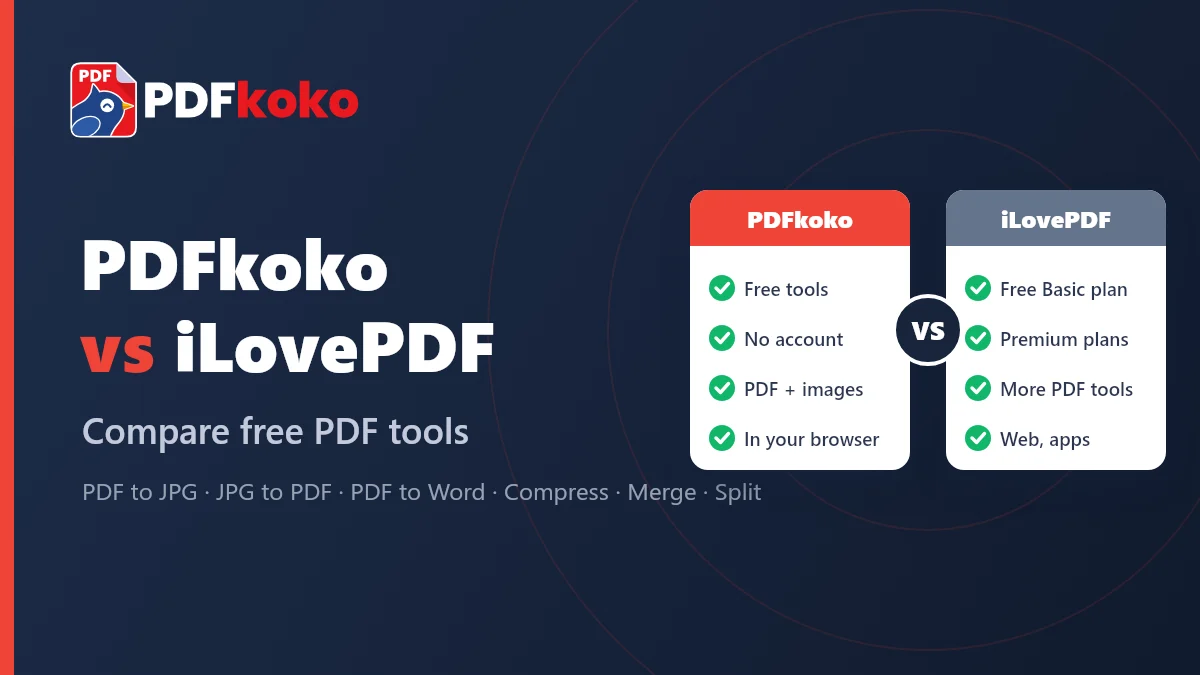
An honest comparison of PDFkoko and iLovePDF: which PDF and JPG tools each offers, what is free, and which one suits the job you need to do.
Yes. All tools are free to use. There are no accounts, subscriptions, credits or usage limits imposed by us.
No. There is no sign-up or login, and we do not ask for your email address.
PDF files for the PDF tools; JPG, PNG and WebP images (GIF and BMP files are also accepted) for the image tools; and .docx files for Word to PDF. The output depends on the tool: for example JPG or PNG from PDF to JPG, or DOCX from PDF to Word.
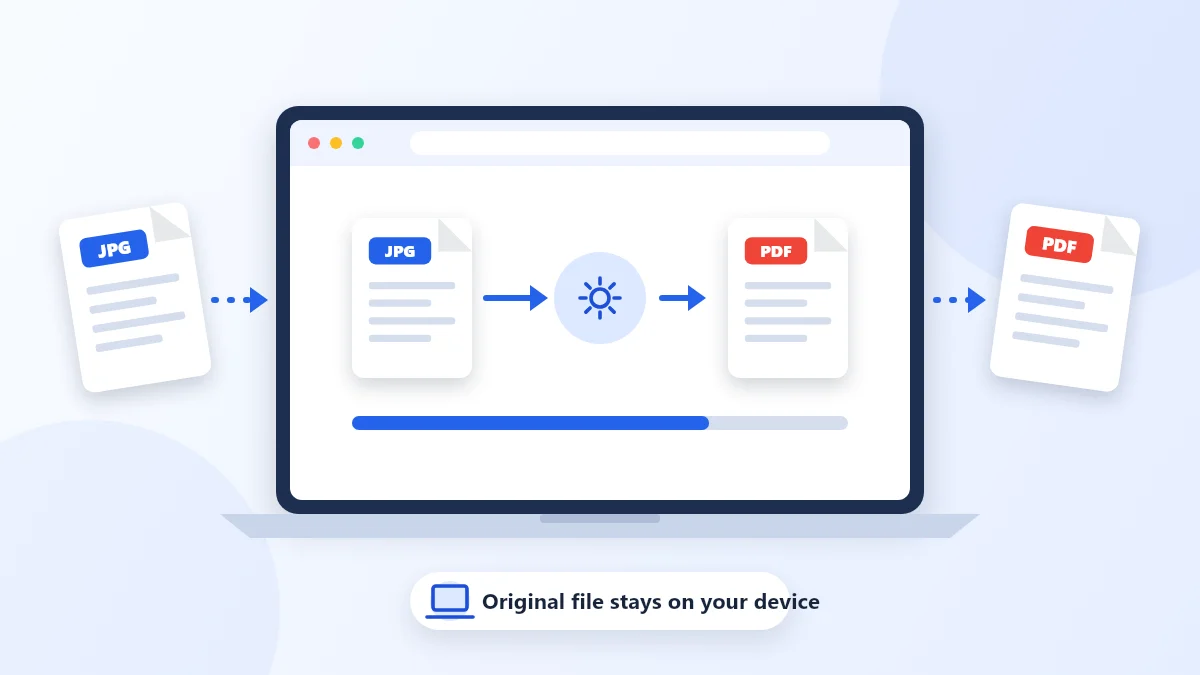
No. For the tools currently available, your files are processed in your browser and are not uploaded to a PDFkoko server. See how we handle data in our privacy notice for details.
PDFkoko accepts PDFs up to 200 MB and images up to 80 MB each. Because processing happens on your device, large files can be slow, or fail if your device runs out of memory.
Yes. The JPG to PDF tool (Image to PDF) turns JPG, PNG or WebP images into one PDF. You can set the image order, page size, orientation and margins before creating it.
Yes. PDFkoko works in current mobile browsers. Very large files can be slow on a phone.
Currently: Merge PDF, Split PDF, Extract PDF Pages, Delete PDF Pages, Organize PDF, Rotate PDF, Compress PDF, PDF to JPG, PDF to PNG, PDF to Word, Word to PDF, Watermark PDF, Add Page Numbers, Crop PDF, Protect PDF, Unlock PDF. See all tools.