PNG files can be large, especially photos and screenshots. Converting them to JPG usually makes them much smaller.
Steps
- Open PNG to JPG and add your images.
- Choose a quality and a background colour for transparent areas.
- Convert and download.
Transparency
JPG cannot store transparency, so transparent areas are filled with the background colour you pick (white by default). If you need the transparency, keep the PNG. See JPG, PNG or WebP to choose the right format.
Related articles
Image Conversion
JPG, PNG or WebP: which image format should you use?
A quick guide to choosing between the three most common web image formats.
PDF Conversion
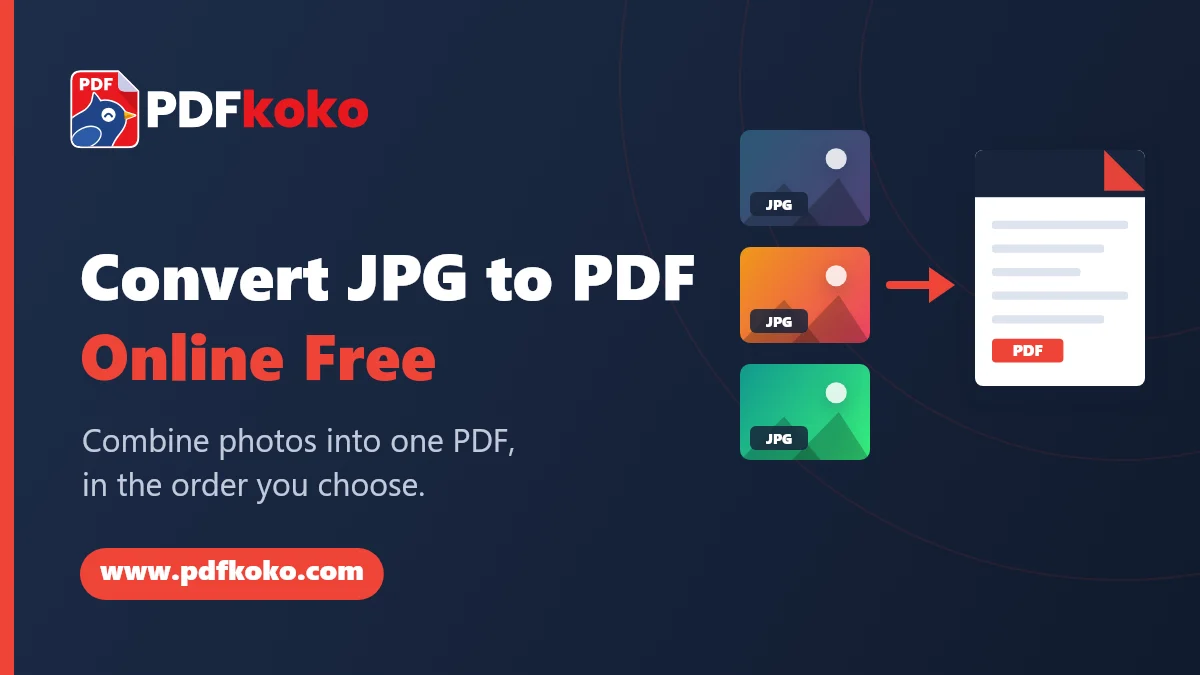
How to Convert JPG to PDF Online Free: Easy Guide for Beginners
Turn photos and scans into one PDF: add your images, put them in order, choose the page size and orientation, and download. With tips for quality and file size.
Image Editing
How to resize an image without distorting it
Change an image's width and height while keeping its proportions, so pictures are not stretched.