PDF Conversion
How to Convert JPG to PDF Online Free: Easy Guide for Beginners
Turn photos and scans into one PDF: add your images, put them in order, choose the page size and orientation, and download. With tips for quality and file size.
Convert JPG images to PDF in your browser. Add one photo or many, put them in order and create a single PDF. PNG and WebP images work too. Free, no registration required.
Loading tool…
Your files are processed in your browser and are never uploaded to a server.
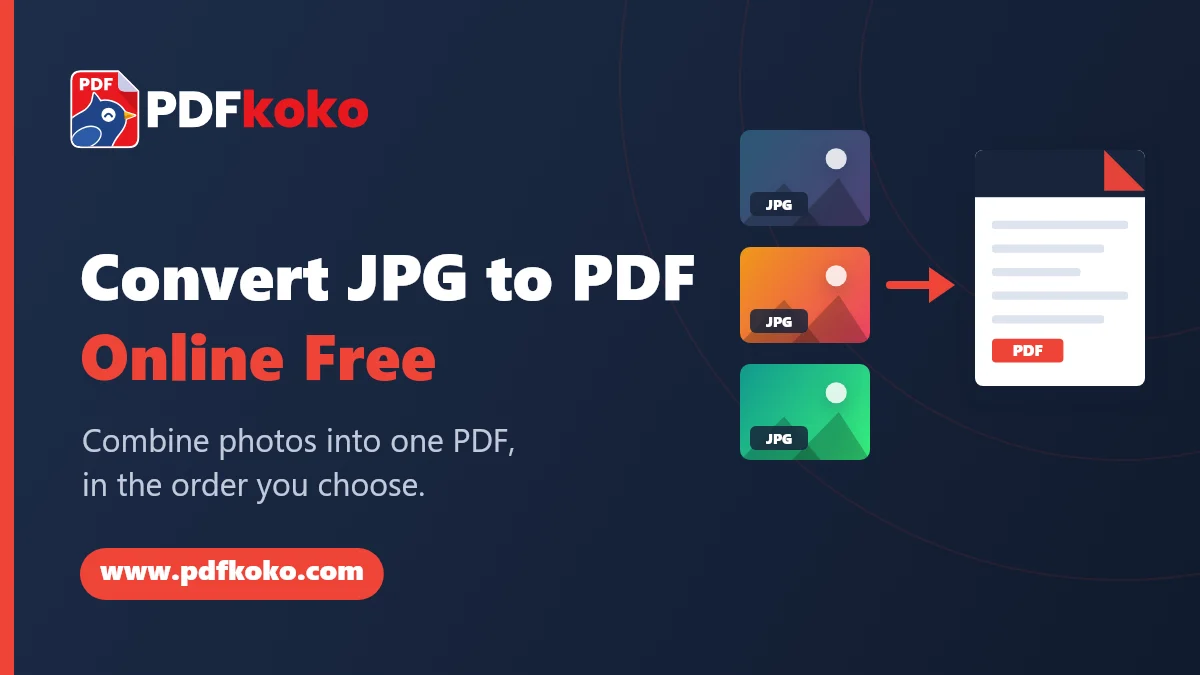
This free JPG to PDF converter turns photos and scans into a PDF you can share, print or archive. It accepts JPG and JPEG files, and also works as an image to PDF converter for PNG and WebP pictures. Each image becomes a page, or you can fit two or four images on one page. Choose A4, Letter or a custom page size, set the margins, and rotate any image before you create the file.
JPG and PNG images that you don't rotate are placed in the PDF without being re-compressed, so their quality is unchanged. WebP images are converted first. Everything happens in your browser, so your photos are not uploaded.
Image to PDF runs in your browser. Your file is read and processed on your own device and is not uploaded to a PDFkoko server. The file is held in your browser's memory only while the page is open, and is discarded when you close or reload it. Like any website, our server keeps standard technical logs of page requests; they do not include the contents of your files. See our Privacy Policy.
Yes. Add all the images, put them in order and create one PDF.
JPG and PNG images that you do not rotate are placed in the PDF without being re-compressed, so their quality is unchanged.
PDF Conversion
Turn photos and scans into one PDF: add your images, put them in order, choose the page size and orientation, and download. With tips for quality and file size.
Image Conversion
A quick guide to choosing between the three most common web image formats.