Need to send one PDF instead of five? Merging puts several PDF files into a single document, in the order you choose.
Steps
- Open the Merge PDF tool.
- Choose your PDF files, or drag them onto the page.
- Use the up and down arrows to put them in the order you want.
- Select Merge PDFs and download
merged.pdf.
Tips
- Check the order before merging: pages appear in the same order as the list.
- If a file is password-protected, it cannot be merged. Remove the protection first.
- Your files stay on your device: they are processed in your browser and not uploaded.
Related articles
PDF Tips and Tutorials
How to split PDF pages online for free
Pull out the pages you need, or break a long PDF into smaller files, with five ways to split.
PDF Tips and Tutorials
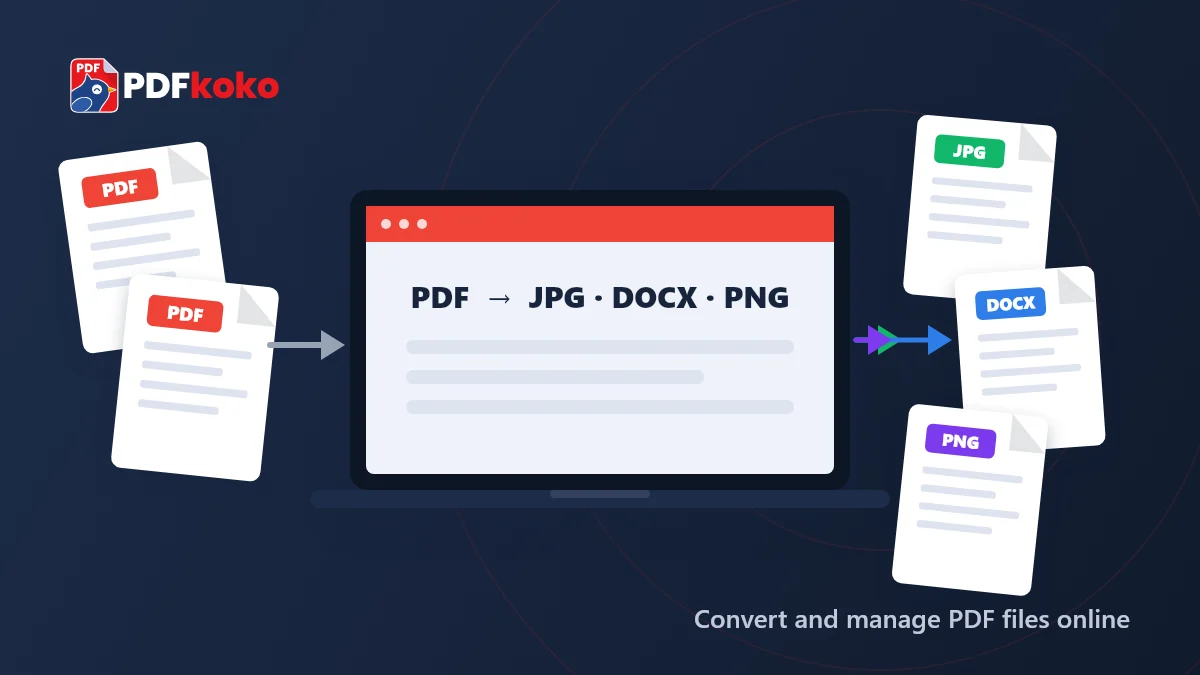
5 Best Online PDF Converter Tools in 2026: Free Options to Try
A fair comparison of five online PDF converter tools: PDFkoko, iLovePDF, Smallpdf, PDF24 Tools and Sejda PDF. See what each does, how free use works and who it suits.
PDF Tips and Tutorials
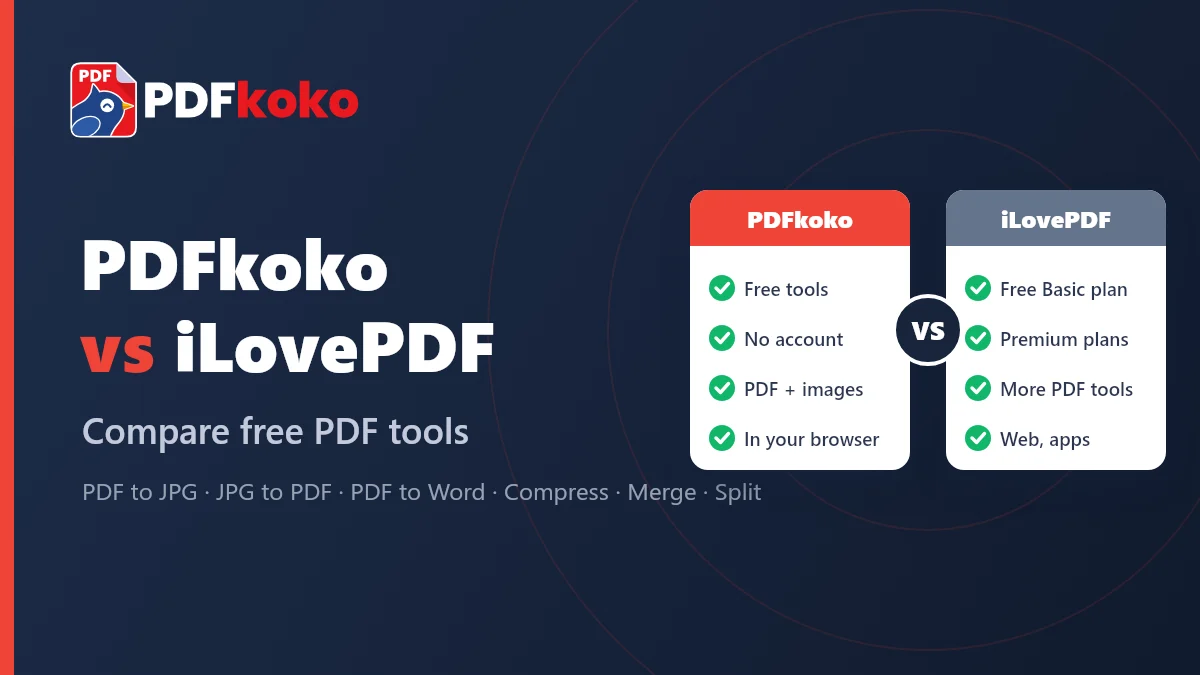
Is PDFkoko a Free Alternative to iLovePDF? Compare PDF and JPG Tools
An honest comparison of PDFkoko and iLovePDF: which PDF and JPG tools each offers, what is free, and which one suits the job you need to do.