In this guide
- How We Compared These PDF Converter Tools
- 1. PDFkoko: Free PDF and Image Tools Without an Account
- 2. iLovePDF: A Broad Suite With Apps
- 3. Smallpdf: Many Tools, Plans for Heavier Use
- 4. PDF24 Tools: Free Online Tools Plus a Desktop App
- 5. Sejda PDF: Strong PDF Editing
- The Five Tools at a Glance
- Comparison Table: PDF Converter Tools Side by Side
- Which PDF Converter Should You Choose?
- Frequently Asked Questions
- Final Thoughts
There is no single best online PDF converter for everyone: the right one depends on whether you need a quick conversion, a full set of PDF features, an offline app or real editing. This guide compares five popular options: PDFkoko, iLovePDF, Smallpdf, PDF24 Tools and Sejda PDF. For each one you will find what it offers, how free use works and who it suits.
Online PDF converters save time on everyday document jobs. You can turn a PDF into images, combine scans into one file, shrink a file for email or make a Word document ready to share, all without installing software. PDFkoko is our own site and is listed first, so we explain where it falls short as well as where it helps.
How We Compared These PDF Converter Tools
Every tool here works in a web browser and offers some way to use it for free. For each platform we read its official website, including its tools list, features page and pricing page, on 20 November 2026. We report what those pages say and mark free limits as limits. Plans, tool lists and limits change often, so check the provider's own page before you rely on a detail.
1. PDFkoko: Free PDF and Image Tools Without an Account
PDFkoko is a free online toolkit with 29 tools: 16 for PDF files and 13 for images. There is no registration and no subscription, and the tools run in your web browser. Each tool has its own page with an upload area, a few settings and a download button.
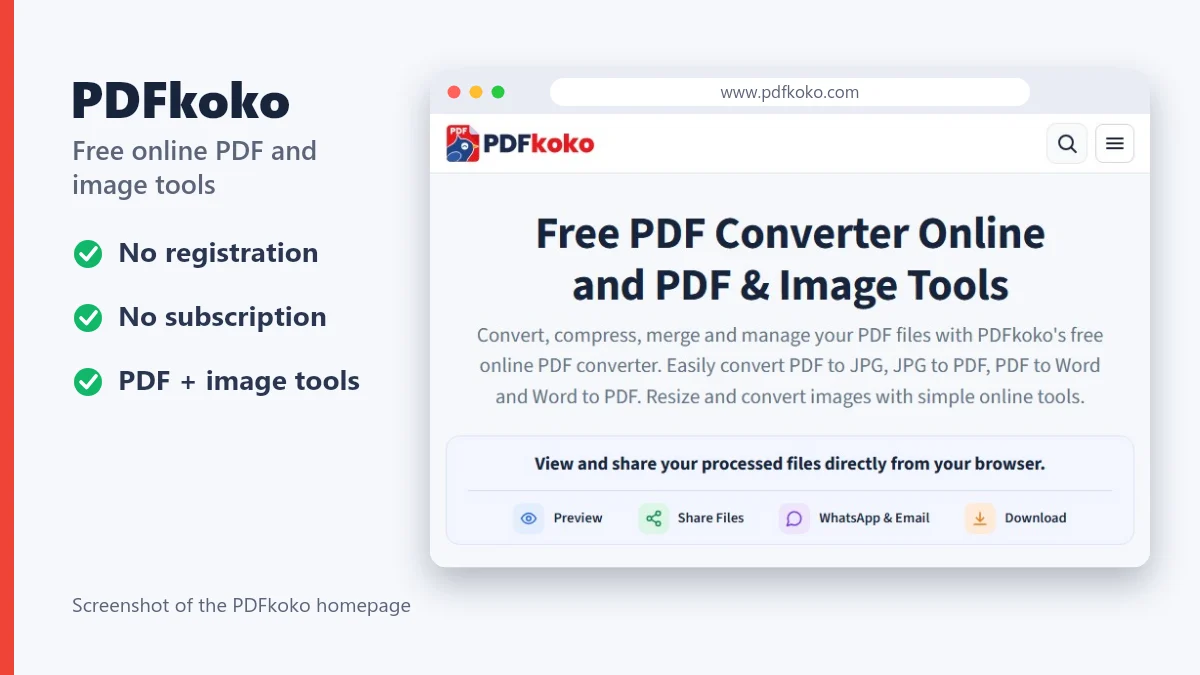
These are the main tools, each with its own page:
- Convert: PDF to JPG and PDF to PNG, JPG to PDF, PDF to Word and Word to PDF.
- Manage: merge, split, compress, rotate and watermark PDFs, plus organize, crop, protect and unlock.
- Images: resize and compress images, and convert between JPG to PNG, PNG to JPG and WebP to JPG.
The limits are worth knowing. PDF to Word extracts text only, so images, tables and the original layout are not carried over, and scanned PDFs cannot be converted. Word to PDF reads .docx files and does not keep exact layout. PDFkoko has no PDF text editing, OCR or e-signatures, and no mobile or desktop app.
Explore PDFkoko's free PDF and image tools
2. iLovePDF: A Broad Suite With Apps
iLovePDF is one of the best-known online PDF services. Its tool list covers merge, split, compress, PDF to and from Word, PowerPoint, Excel and JPG, plus editing, signing, watermarking and rotating pages. Its features page says the tools work on the web, in mobile apps for iOS and Android and in a desktop app, and that it connects to Google Drive and Dropbox.
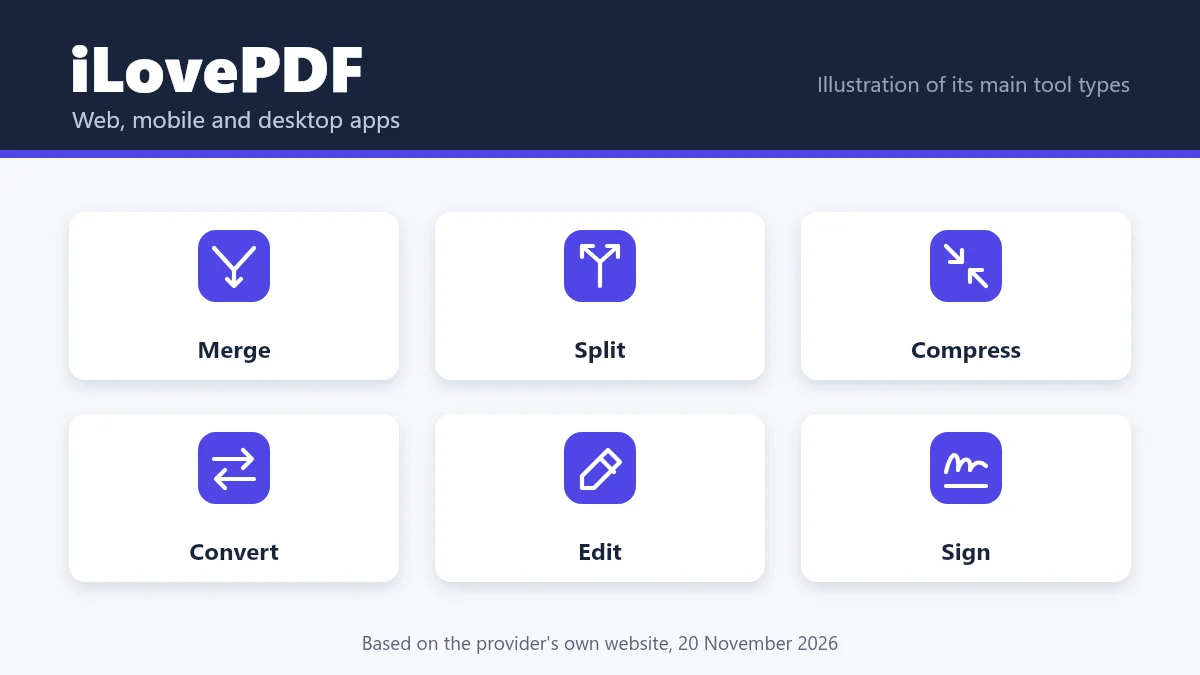
On free use, its pricing page lists a free Basic plan with essential tools and limited document processing. The paid Premium plan adds full access to all tools, unlimited processing and extras such as digital signatures, and there is a Business plan with custom pricing. Image tools are on its sister site, iLoveIMG. If you are weighing an iLovePDF alternative, our PDFkoko vs iLovePDF comparison goes into more detail.
3. Smallpdf: Many Tools, Plans for Heavier Use
Smallpdf describes its toolkit as more than 30 document tools. Its pricing page lists compression, conversion between PDF and Word, Excel, PowerPoint and images, merging, splitting, rotating, cropping, watermarking, protecting and unlocking, along with editing, signing and AI-powered tools. It also offers a mobile app and a Windows app.
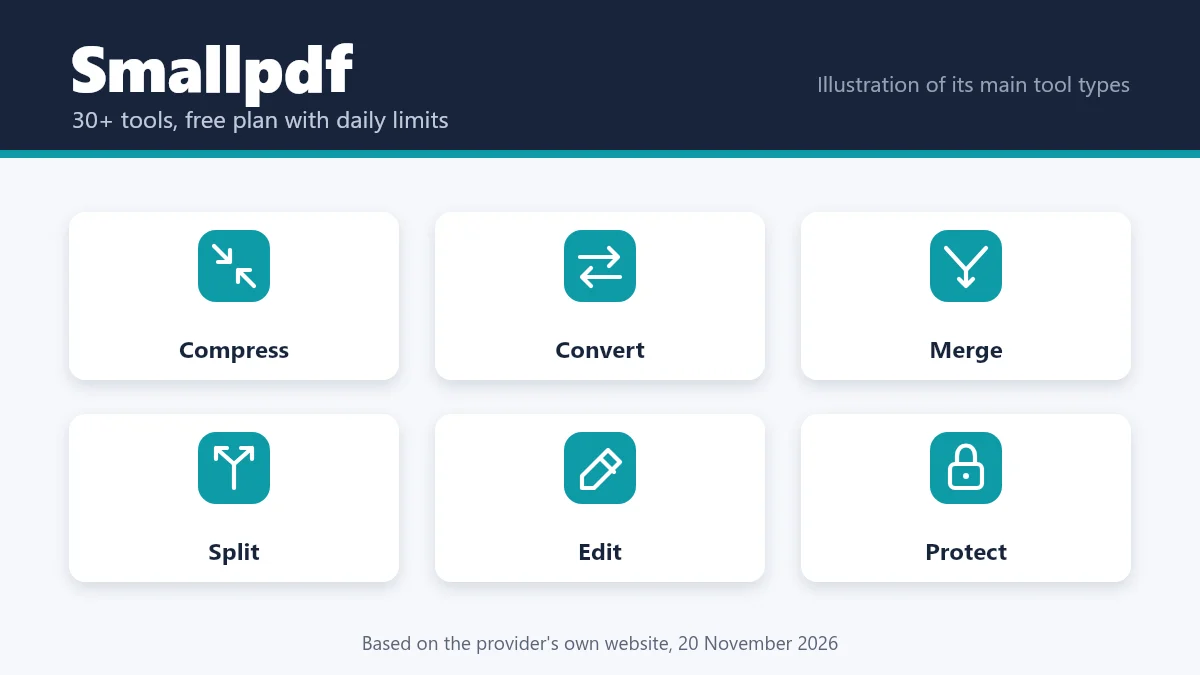
Smallpdf has a free plan, but the pricing page marks many tasks with a daily download limit and describes free access as limited. The paid Pro plan lists unlimited access, text editing, OCR and stronger compression, and a seven-day free trial is offered. If you want a Smallpdf alternative with no paid tier, a simple tool such as PDFkoko covers many everyday conversions, though not editing or OCR.
4. PDF24 Tools: Free Online Tools Plus a Desktop App
PDF24 Tools is a collection of online PDF utilities that includes merging, splitting, compressing, editing, signing, converting, images to PDF, PDF to images, OCR, watermarks and page numbers. Its tools page says that all PDF24 tools are free of charge and without restrictions, paid for by some advertising.
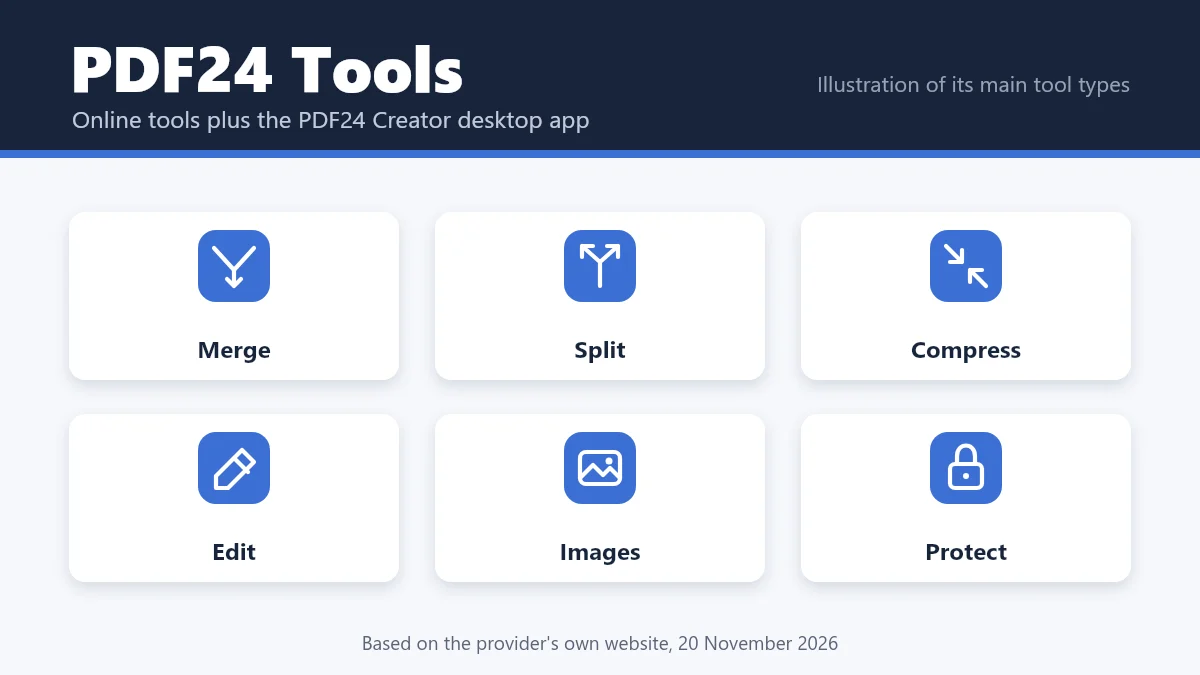
PDF24's online tools process files on its servers. According to the site, files are removed no later than one hour after their last use, and the free PDF24 Creator desktop software for Windows offers similar tools offline, with files staying on your computer. It suits people who want a free suite and an offline option on Windows.
5. Sejda PDF: Strong PDF Editing
Sejda leads with its online PDF editor, where you can add text, links, images and shapes, edit existing text, fill forms and sign. It also lists more than 30 tools, including PDF to Word, PDF to JPG, PNG or TIFF, JPG to PDF, Word to PDF, merge, split, compress, protect and OCR.
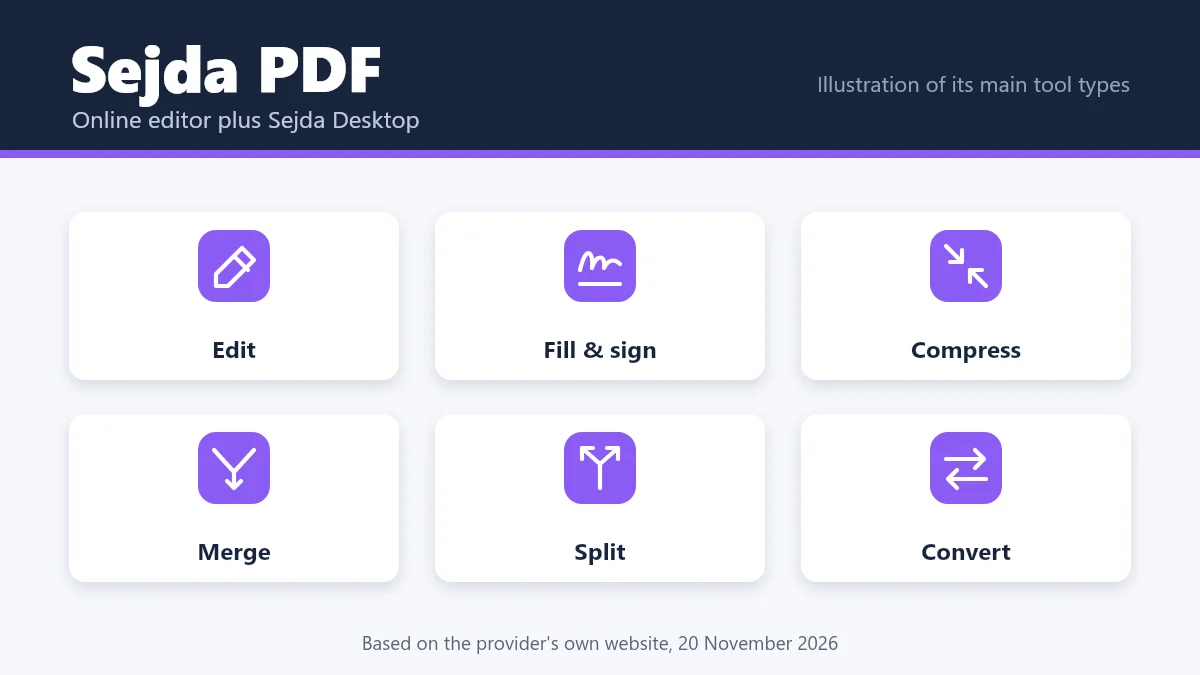
Sejda works online and as Sejda Desktop for Mac, Windows and Linux, which processes files on your computer. Its pricing page says free use needs no signup but has page and hourly limits, limited file uploads and tool-specific limits. Paid plans remove those limits and allow larger uploads. It suits anyone who needs more than conversion.
The Five Tools at a Glance
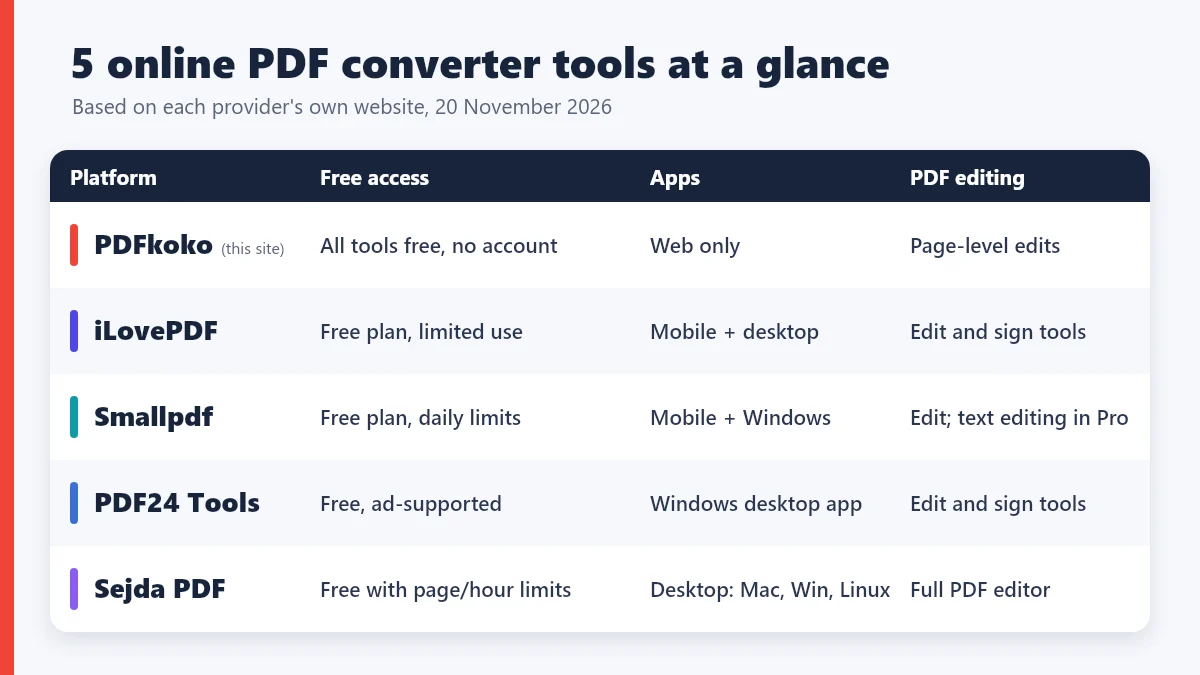
These cards summarize each tool. PDFkoko is listed first because this is our site, not because of any rating.
1
PDFkoko
A free toolkit of PDF and image tools that runs in your browser, with no account.
- PDF to JPG, PNG and Word
- JPG and Word to PDF
- Merge, split, compress, rotate
- Image resize, compress and convert
- Free access
- All tools free; no registration or subscription
- Best for
- Everyday PDF and image jobs without an account
2
iLovePDF
A large suite of PDF tools on the web, with mobile and desktop apps.
- Merge, split and compress
- Word, PowerPoint, Excel and JPG conversion
- Edit and sign tools
- Free access
- Free Basic plan with limited processing; paid Premium and Business plans
- Best for
- A broad feature set and apps
3
Smallpdf
More than 30 document tools, with a free plan and paid Pro and Team plans.
- Compress, convert, merge and split
- PDF to and from Word, Excel, PowerPoint and images
- Edit, sign and protect tools
- Free access
- Free plan with daily download limits; a seven-day Pro trial is offered
- Best for
- Many tools, if you accept daily limits or a paid plan
4
PDF24 Tools
A free collection of online PDF tools, with the PDF24 Creator desktop app for Windows.
- Merge, split, compress, edit and sign
- Images to PDF and PDF to images
- OCR, watermark and page numbers
- Free access
- Free of charge and ad-supported, with no artificial limits, according to PDF24
- Best for
- A free suite plus an offline Windows option
5
Sejda PDF
An online PDF editor and more than 30 tools, with a desktop version for Mac, Windows and Linux.
- Edit text, add images, fill and sign
- PDF to Word, Excel, JPG, PNG and TIFF
- Merge, split, compress and protect
- Free access
- Free to use without signup, with page and hourly limits; paid plans lift them
- Best for
- Editing the content of a PDF
Comparison Table: PDF Converter Tools Side by Side
| Platform | PDF conversion | PDF management | Image tools | Free access | Registration |
|---|---|---|---|---|---|
| PDFkoko | PDF to JPG, PNG and Word; JPG and Word to PDF | Merge, split, compress, rotate, organize, watermark, protect, unlock | Resize, compress, crop and convert JPG, PNG and WebP | All tools free | None; no accounts |
| iLovePDF | Word, PowerPoint, Excel and JPG, both ways | Merge, split, compress, rotate, watermark, edit, sign | Separate site, iLoveIMG | Free Basic plan with limited processing; Premium is paid | Accounts for paid plans |
| Smallpdf | Word, Excel, PowerPoint, images and more, both ways | Merge, split, compress, rotate, edit, sign, protect | PDF to and from JPG and PNG | Free plan with daily limits; Pro is paid | Some features need an account, such as sharing |
| PDF24 Tools | PDF converter, images to PDF, PDF to images | Merge, split, compress, edit, sign, protect, OCR | Images to PDF, PDF to images, extract images | Free of charge, ad-supported | None mentioned on its tools page |
| Sejda PDF | PDF to Word, Excel, JPG, PNG, TIFF; Word, JPG and HTML to PDF | Edit, merge, split, compress, protect, OCR | PDF to JPG, PNG, TIFF; JPG to PDF | Free with page and hourly limits; paid plans lift them | No signup for free use |
In the table, "free access" describes what each provider says about free use, including limits, and does not mean unlimited. PDFkoko's tools do have size limits of 200 MB per PDF and 80 MB per image.
Which PDF Converter Should You Choose?
If you want simple, free PDF and image tools
Choose PDFkoko when the job is a common one, such as converting PDF to JPG, turning images into a PDF, merging, splitting or compressing, and you want no account. It also works as a free iLovePDF alternative or Smallpdf alternative for those jobs, though it has fewer tools.
If you need a broad collection of PDF features
iLovePDF and Smallpdf list the widest range of tools, including Office conversions, signing and AI features, and both have apps. Expect free-plan limits and paid plans for heavier use.
If you prefer desktop software
PDF24 Creator for Windows and Sejda Desktop for Mac, Windows and Linux both work offline, so your files stay on your computer. iLovePDF and Smallpdf also have apps.
If you need a PDF editor online
Sejda is built around editing existing text, adding images and filling forms. Smallpdf and iLovePDF also have editing tools, and PDF24 offers edit and sign tools as well. PDFkoko does not edit PDF text.
Frequently Asked Questions
What is the best free online PDF converter?
It depends on the job. PDFkoko suits everyday conversions without an account, iLovePDF and Smallpdf offer broader tool sets with free-plan limits, PDF24 is a free-of-charge suite with a Windows desktop app, and Sejda is strongest for editing. Match the tool to your task and check its free limits.
Can I convert PDF to JPG online for free?
Yes. PDFkoko's PDF to JPG converter saves chosen pages as JPG or PNG images at 72 to 300 DPI, and the other four platforms also offer PDF to image conversion, some with daily or hourly limits on free use.
Is PDFkoko free to use?
Yes. Every PDFkoko tool is free, with no registration, subscription or credits. It accepts PDFs up to 200 MB and images up to 80 MB each, and large files can be slow because your device does the work.
Do online PDF converters require registration?
It varies. PDFkoko has no accounts at all, and Sejda says no signup is required for free use. The others offer free plans with limits and use accounts for paid plans or extras such as sharing, so check each provider's pricing page.
Which PDF converter is suitable for everyday use?
For occasional jobs such as converting, merging or compressing a file, a simple tool that needs no account is usually enough. If you regularly edit text, sign documents or run OCR, choose a fuller service and check its free limits first.
Final Thoughts
All five tools can handle a basic conversion, and the differences show up in tool range, apps, editing and free limits. If you want a straightforward start for everyday PDF and image jobs, try PDFkoko. If you need editing, OCR or signatures, one of the larger services may suit you better.
To go deeper, read how to convert PDF pages to JPG, how to convert JPG to PDF and how to make a PDF smaller, or browse all PDFkoko tools.
Related articles
PDF Tips and Tutorials
Is PDFkoko a Free Alternative to iLovePDF? Compare PDF and JPG Tools
An honest comparison of PDFkoko and iLovePDF: which PDF and JPG tools each offers, what is free, and which one suits the job you need to do.
PDF Conversion
How to Convert PDF to JPG Online Free: Complete Step-by-Step Guide
Turn PDF pages into JPG or PNG images in your browser: pick pages, choose a resolution and download. Includes quality tips and fixes for common problems.
PDF Conversion
How to Convert JPG to PDF Online Free: Easy Guide for Beginners
Turn photos and scans into one PDF: add your images, put them in order, choose the page size and orientation, and download. With tips for quality and file size.