In this guide
Online PDF and image converters make everyday file tasks easier. Whether you need to merge PDF documents, convert JPG images into PDF files, resize an image or compress a document, a browser-based tool can help you finish the job without installing desktop software.
But have you ever wondered what happens to your files when you use an online converter?
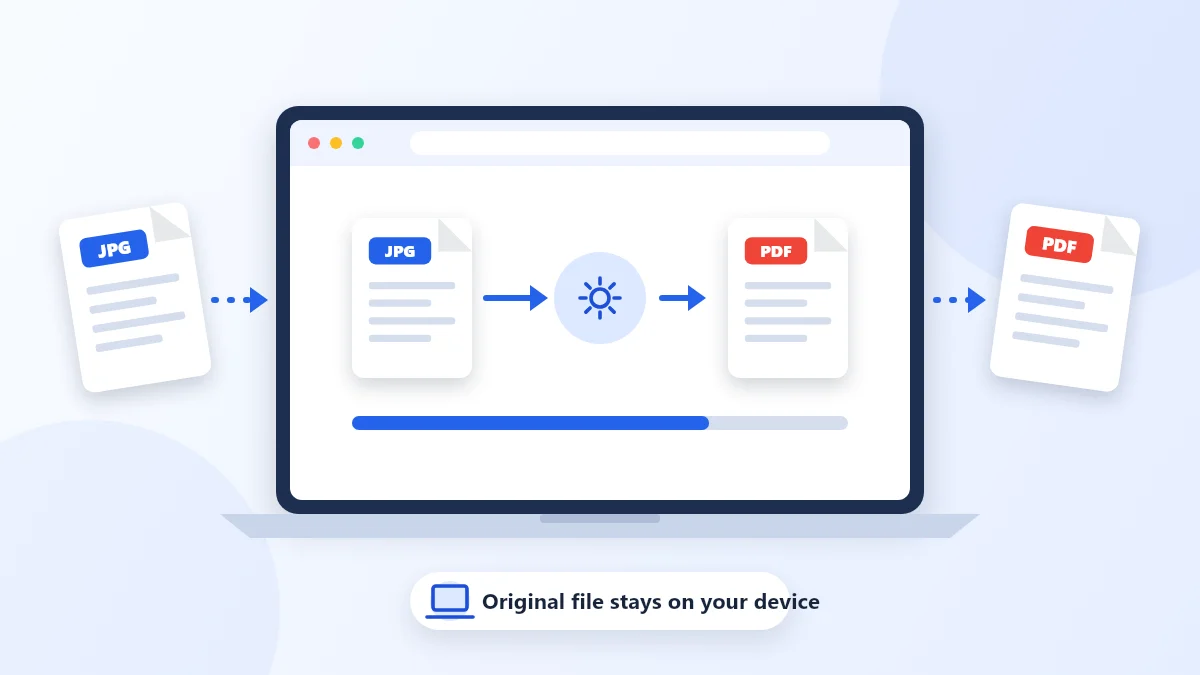
One important factor is where the file processing takes place. Some online converters upload files to remote servers for processing, while others can perform supported operations directly inside your web browser. This second approach is known as client-side processing.
Let's look at how it works and why it can be useful when you use PDF and image conversion tools.
What Is Client-Side Processing?
Client-side processing means that a task is performed on the user's device, usually within the web browser, rather than sending the file to a remote server for processing.
For example, when you use a browser-based JPG to PDF converter with client-side processing:
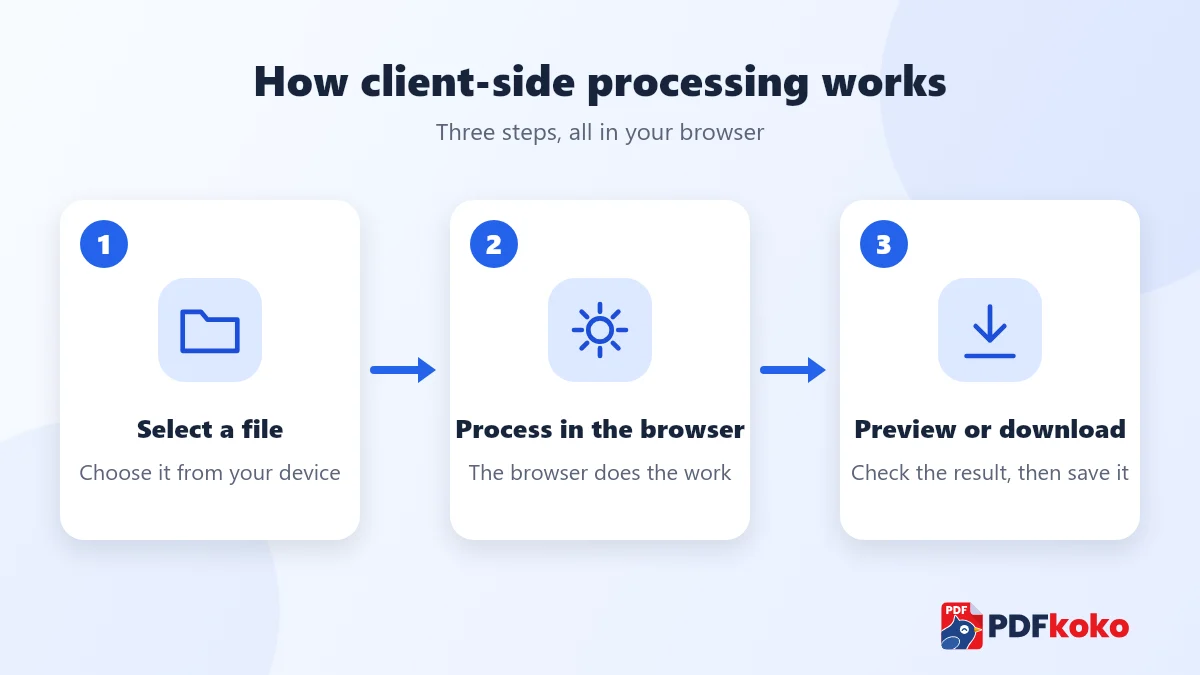
- You select a JPG image from your device.
- The browser reads the image locally.
- A JavaScript library processes the image and creates a PDF.
- The resulting PDF becomes available in your browser.
- You can preview or download the processed file.
The file does not need to be uploaded to a remote processing server for this operation.
This is different from server-side processing, where the file is sent to a server, processed there and then returned to the user.
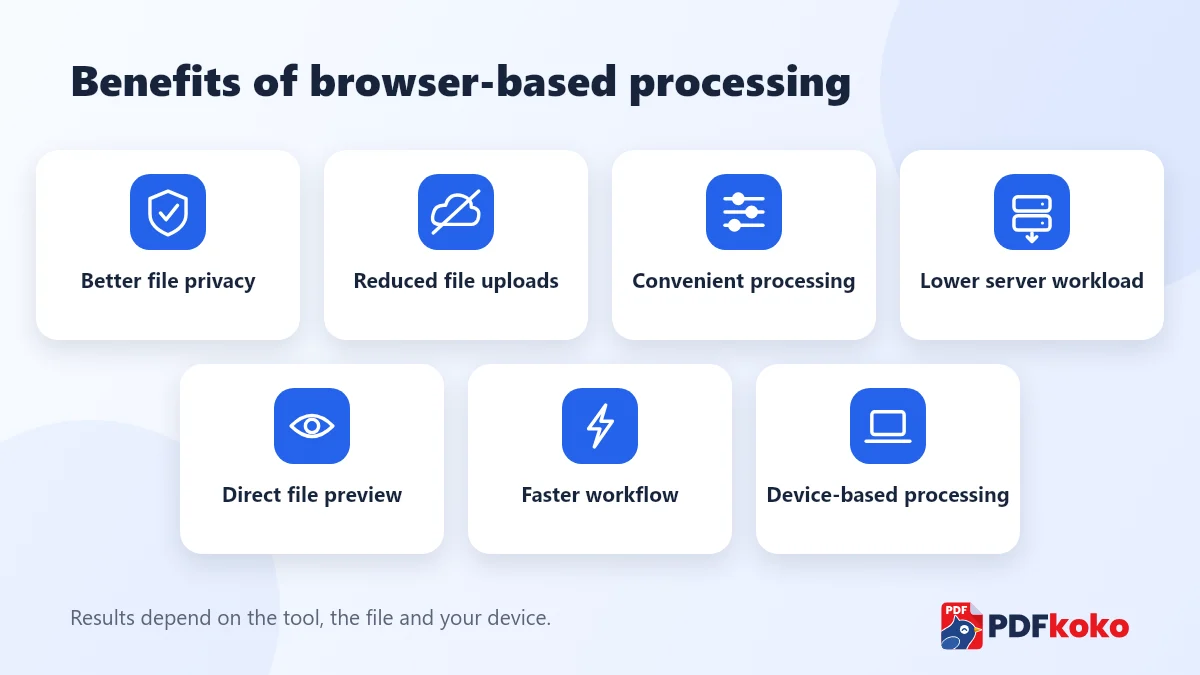
7 Benefits of Client-Side Processing
1. Better File Privacy
One of the main advantages of client-side processing is that supported operations can be completed without uploading the original file to a remote processing server.
This can be useful when you work with:
- Personal documents
- Educational certificates
- Business documents
- Financial statements
- Personal photographs
- Everyday office files
When files stay on the device during processing, there is less need to transmit their contents over the internet.
However, local processing does not automatically mean complete privacy. Websites may still collect analytics, usage information or other technical data. Always review the website's privacy policy.
2. Faster Processing for Supported Tasks
Client-side processing can reduce the time spent uploading and downloading files.
With server-side conversion, the workflow may involve:
- Uploading the original file
- Waiting for server processing
- Downloading the finished file
With client-side processing, the browser can work directly with the local file.
Actual processing speed depends on file size, device performance, browser capabilities and the complexity of the operation. Large documents may still take longer to process.
3. Less Dependence on Server Infrastructure
When supported file operations happen in the browser, the website does not need to use its own processing servers for every conversion.
This can reduce:
- Server processing workload
- File upload traffic
- Temporary file storage requirements
- Processing infrastructure costs
It can also make it easier for a service to support more users without adding server-side processing capacity for every operation.
4. Convenient for Everyday File Tasks
Client-side tools can make common document and image operations straightforward.
Examples include:
- JPG to PDF conversion
- PDF page extraction
- PDF merging
- Image resizing
- Image compression
- Image format conversion
- Image rotation and cropping
Users can complete supported tasks directly in their browser without installing additional desktop software.
5. Useful When Internet Connectivity Is Limited
Once a webpage and its required processing resources have loaded, some client-side operations may continue without an active internet connection.
This depends on how the website is built, whether its libraries and resources are available locally, and whether the browser still has access to the selected files.
Not every online converter works offline, so this capability should not be assumed.
6. Reduced File Transfer Requirements
Large files can take considerable time to upload, especially on slower connections.
For supported tasks, client-side processing can remove the need to transfer the original file to a remote processing server.
This can be particularly helpful when you work with multiple images or large documents.
7. More Control Over the Processing Workflow
When processing happens locally, you can work with files directly in the browser.
Depending on the tool, you may be able to:
- Preview the output
- Adjust conversion settings
- Reorder images
- Compare original and processed files
- Download the finished result
- Share supported files using your device's sharing options
This can create a convenient workflow with fewer steps.
Client-Side vs Server-Side Processing
Both approaches have advantages. The right choice depends on the operation, the file size, the technical requirements and the available resources.
| Feature | Client-side | Server-side |
|---|---|---|
| Processing location | User's browser or device | Remote server |
| Original file upload | Not required for local processing | Usually required |
| Internet requirement | May work offline after resources load | Generally requires internet |
| Server processing workload | Lower | Higher |
| Performance | Depends on device and browser | Depends on server and network |
| Large file handling | Limited by device memory and browser | Can use server resources |
| Advanced conversion | Depends on browser libraries | Can support specialised processing |
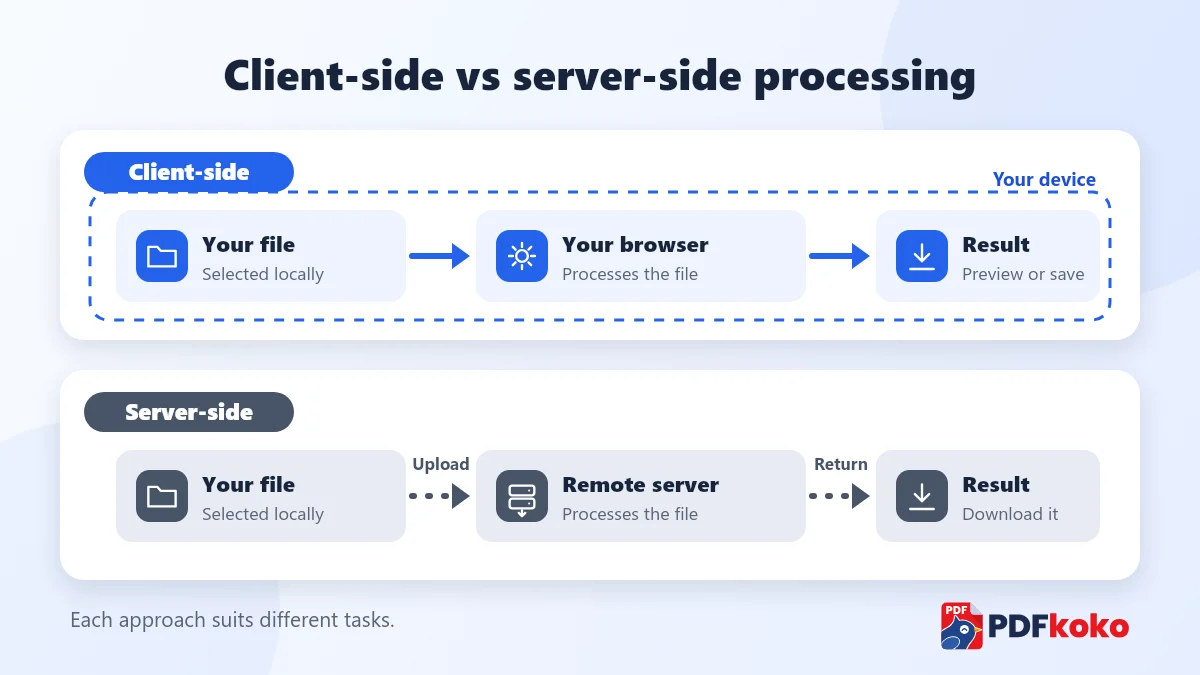
Neither method is universally better. A well-designed converter uses the approach that best suits each operation.
Are There Any Limitations to Client-Side Processing?
Yes. Client-side processing is useful, but it also has limitations.
Device performance: Large files and complex operations may use a lot of memory and processing power.
Browser compatibility: Some features may behave differently across browsers and devices.
Advanced conversions: High-fidelity Word to PDF conversion, OCR, complex PDF repair and certain specialised document operations may require server-side tools or specialised software.
File size: Very large files can cause slowdowns or browser memory errors on devices with limited resources.
For these reasons, a good online converter should choose its processing method carefully rather than forcing every operation to run in the browser.
How PDFkoko Makes File Management Convenient
PDFkoko provides free online tools for everyday PDF and image tasks, including conversion, compression, merging, splitting, resizing and editing.
For all the tools currently available, PDFkoko opens and processes your files in your browser, so they are not sent to a PDFkoko server. You can read the details in the Privacy Policy and on the Security page. A few points keep that picture honest:
- The Feedback form is the one place where information you type is sent to PDFkoko.
- The pages load Google Tag Manager for analytics, and analytics cookies are only used if you accept them, as explained in the Cookie Policy. Your files are never part of it.
- PDFkoko is not built as an offline app, so open the site with an internet connection.
- Your browser does the work, so speed depends on your device. PDFkoko accepts PDFs up to 200 MB and images up to 80 MB each, and very large files can be slow.
- Word and PDF conversions keep text but not exact layout, and scanned PDFs are not converted with OCR.
You can explore tools for:
Visit PDFkoko to explore free PDF and image tools.
Frequently Asked Questions
What is client-side PDF processing?
Client-side PDF processing means that supported PDF operations are performed directly in your browser using your device's resources, rather than uploading the file to a remote processing server.
Is client-side processing safer?
It can reduce exposure associated with uploading files to external servers. However, overall security also depends on the website, its code, browser security and data collection practices.
Can I convert JPG to PDF without uploading my image?
Yes, if the converter uses client-side processing for JPG to PDF conversion. The browser can read your image and generate the PDF locally.
Does client-side processing require an internet connection?
Usually, you need an internet connection to open the website and load its resources. Some tools may continue working offline after those resources have loaded.
Is client-side processing faster than server-side processing?
It can be faster for supported tasks because it avoids file uploads and downloads. However, the result depends on your device, browser, network and file size.
Can all PDF operations be performed in a browser?
No. Simple operations can often be handled with browser-based libraries, while advanced OCR, complex document conversion and some repair operations may require specialised server-side processing.
Final Thoughts
Client-side processing offers a useful approach to online PDF and image conversion. It can reduce unnecessary file transfers, improve convenience and let supported operations take place directly in the browser.
For people who regularly work with documents and images, understanding where and how files are processed can help them choose the right online converter.
The best solution combines convenient tools, suitable processing technology and clear information about how user files are handled.
Explore free PDF and image tools at PDFkoko.
Related articles
PDF Conversion
How to Convert PDF to JPG Online Free: Complete Step-by-Step Guide
Turn PDF pages into JPG or PNG images in your browser: pick pages, choose a resolution and download. Includes quality tips and fixes for common problems.
PDF Conversion
How to Convert JPG to PDF Online Free: Easy Guide for Beginners
Turn photos and scans into one PDF: add your images, put them in order, choose the page size and orientation, and download. With tips for quality and file size.
PDF Tips and Tutorials
How to make a PDF smaller (and what you give up)
Shrink a large PDF for email or upload, and understand the trade-off before you do.
Image Conversion
JPG, PNG or WebP: which image format should you use?
A quick guide to choosing between the three most common web image formats.